Notices (notifications)
Overview
Where the resident receives and reads announcements/notifications — both automatic system ones (e.g.: approval on the unit, parcel arrived, visitor came in) and those sent by the building management. It is the receiving end of the notifications triggered in the Panel — see Notifications.
Where it is / How to access
Bottom bar → Notices tab (bell icon).
Screens and elements
Notice listing
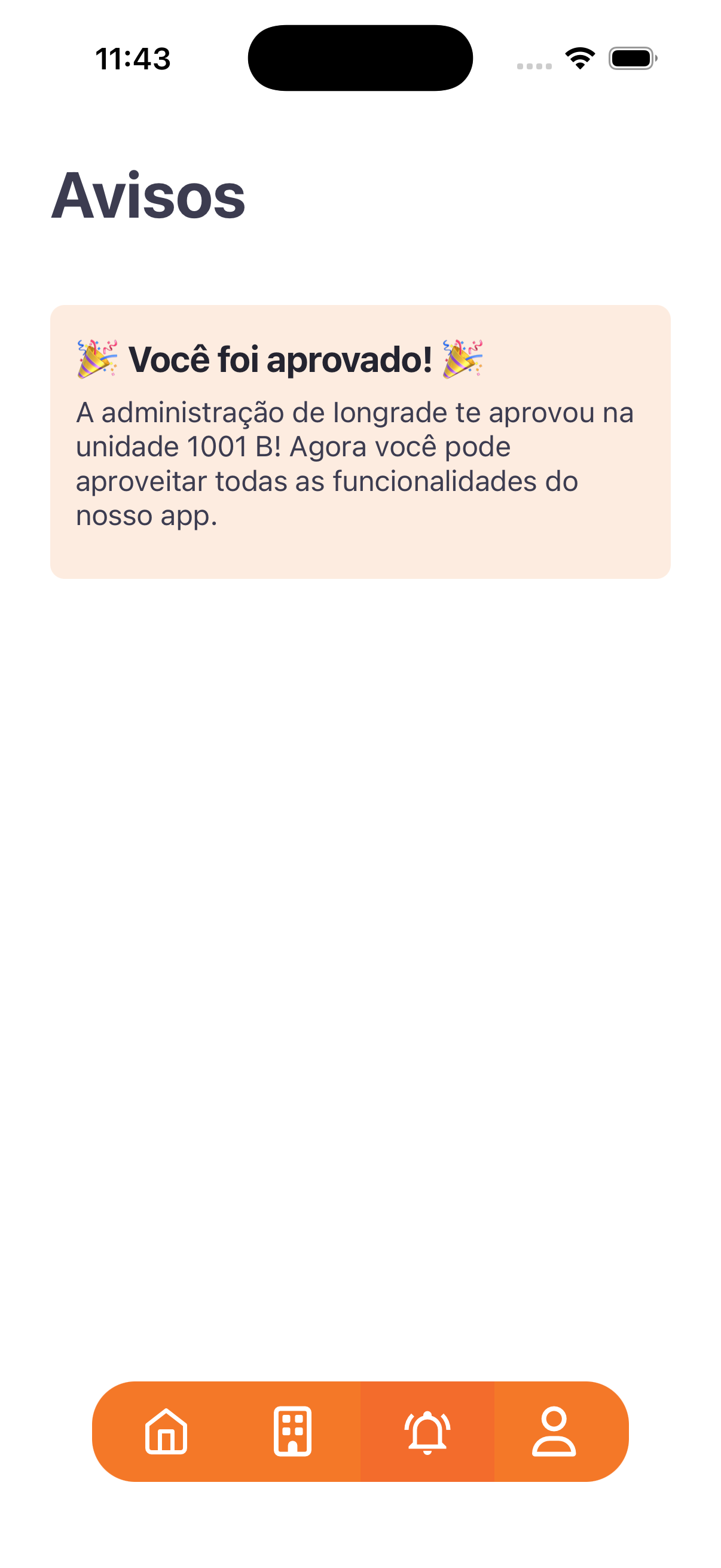
- Each notice is a card with a title (it may contain emojis) and a message.
- Example: title "🎉 You have been approved! 🎉" / message "The Iongrade building management approved you on unit 1001 B! You can now enjoy all the features of our app."
- Read-only screen (no actions).
Step by step
- Tap the Notices tab (bell).
- Read the announcements you received.
Business rules and integrations
- It receives automatic notifications (approval, visitor came in, visit filled in, parcel…) and manual ones (sent by the building management through Notifications).
- Push delivery depends on Firebase Messaging being configured in the app.
Related
- Notifications, Parcels, Home and navigation
For you
Track approvals, parcel arrivals, and announcements from the building management here.