Condominiums (link unit)
Overview
Where the resident links their condominium/unit to the account — by condominium code or QR code. Every link starts as PENDING APPROVAL and, once the building management approves it, becomes APPROVED, unlocking the features. A resident can have more than one condominium.
note
In the app UI this area is called "Condominiums"; it corresponds to the person's link with a
unit (e.g.: 1001 B - Geral).
Where it is / How to access
Bottom bar → Condominiums tab. During onboarding, it appears as "How about adding your first Condominium now?".
Screens and elements
Empty state (onboarding)
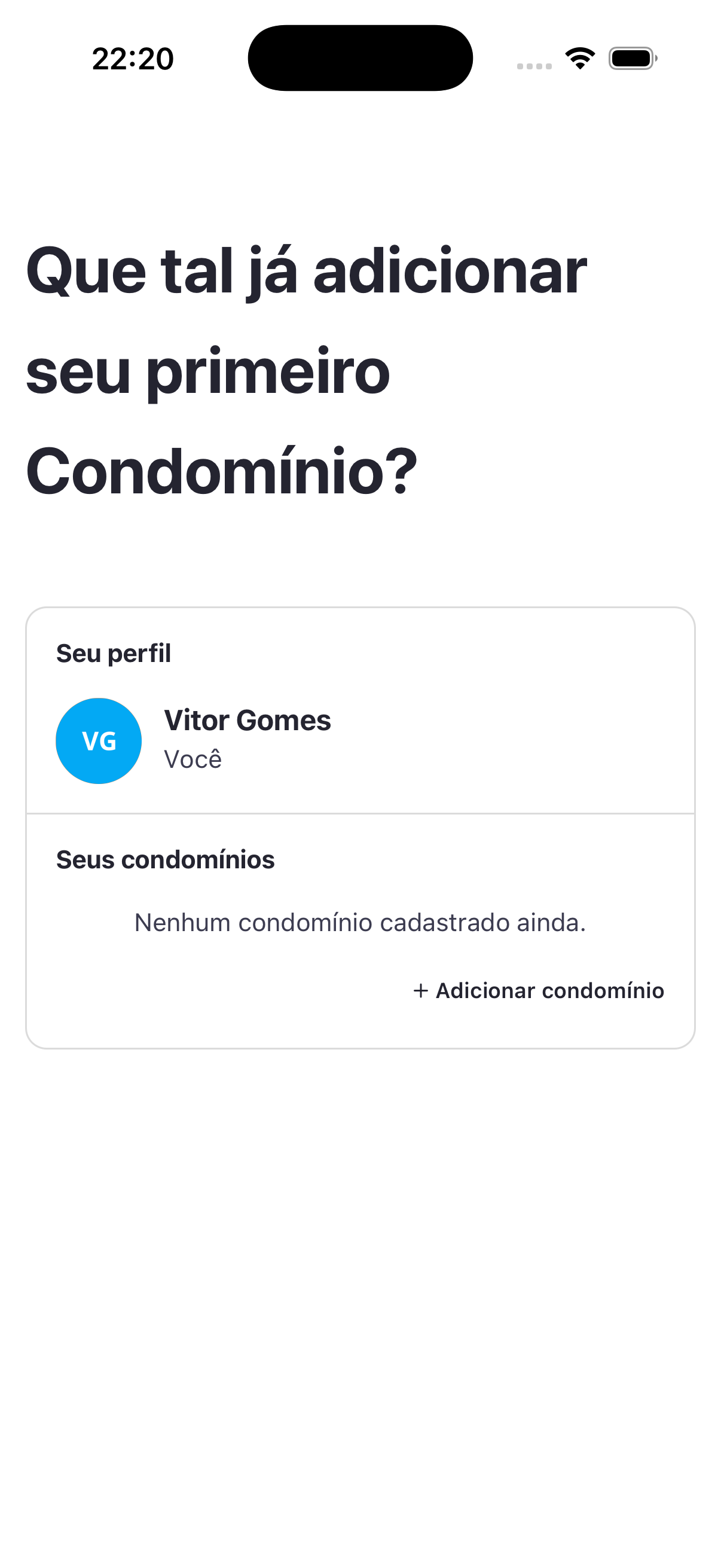
- Title: "How about adding your first Condominium now?"
- Sections: Your profile (avatar + name + "You") and Your condominiums ("No condominium registered yet.").
- Action: + Add condominium.
"Add condominium" modal
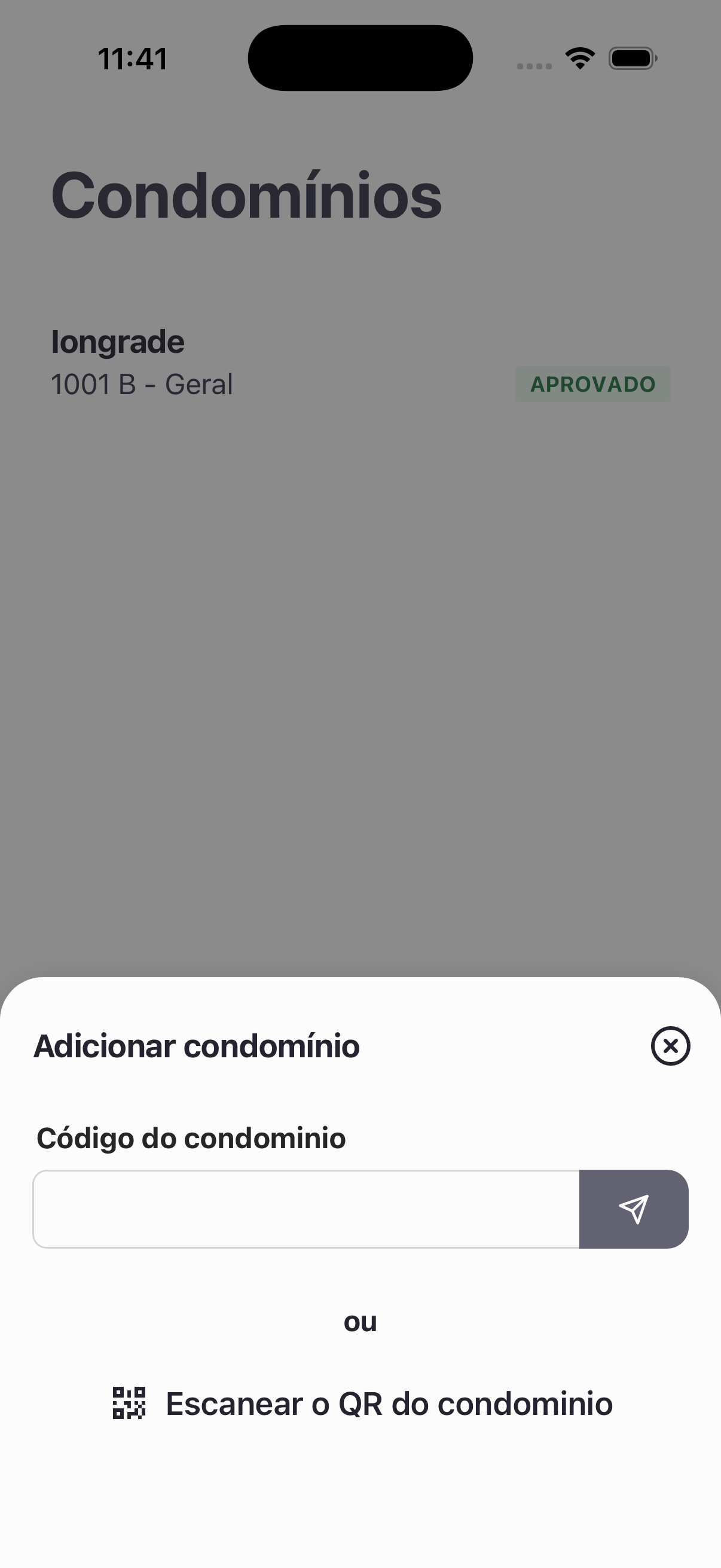
| Element | Description |
|---|---|
| Condominium code | Text field + submit button. |
| or | Separator. |
| Scan the condominium QR code | Alternative using QR code reading. |
After adding / Listing
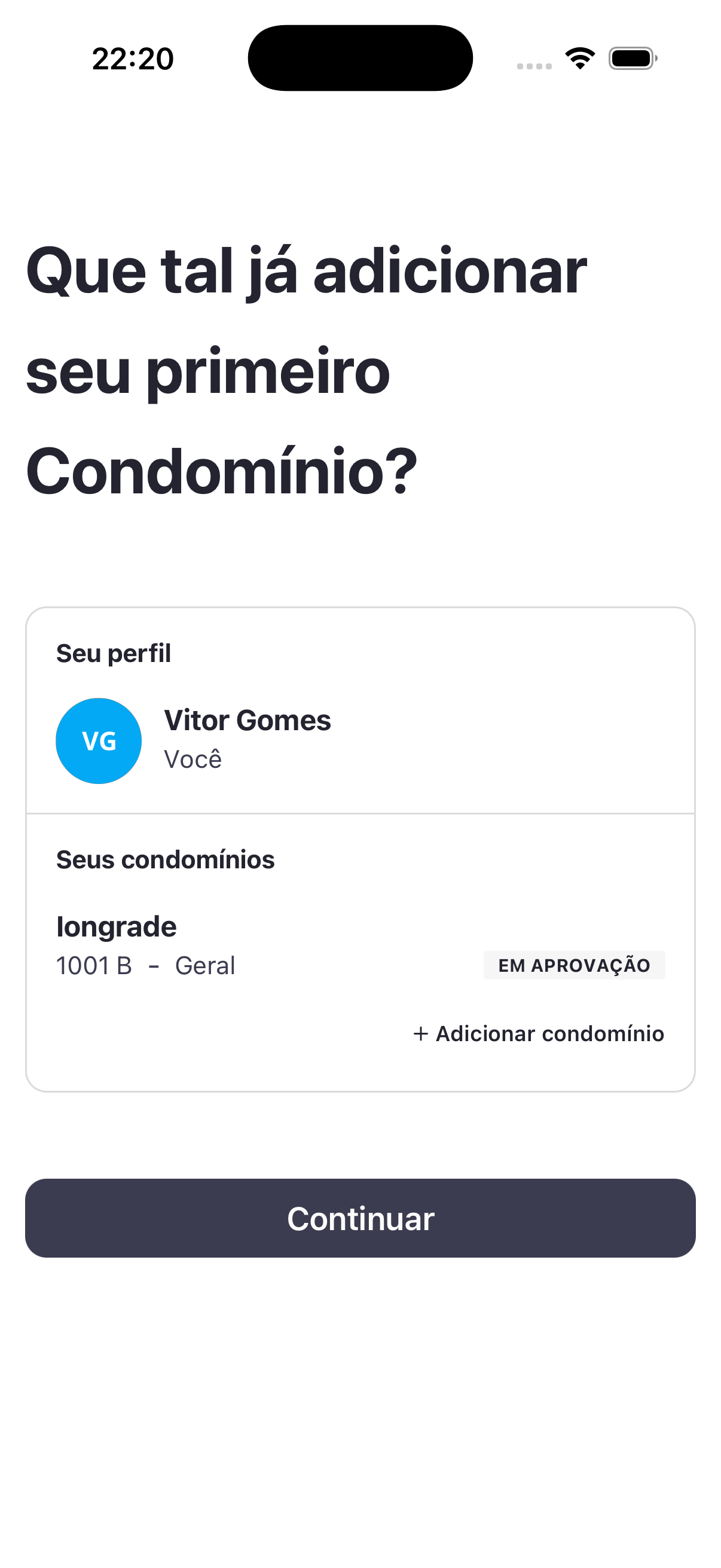
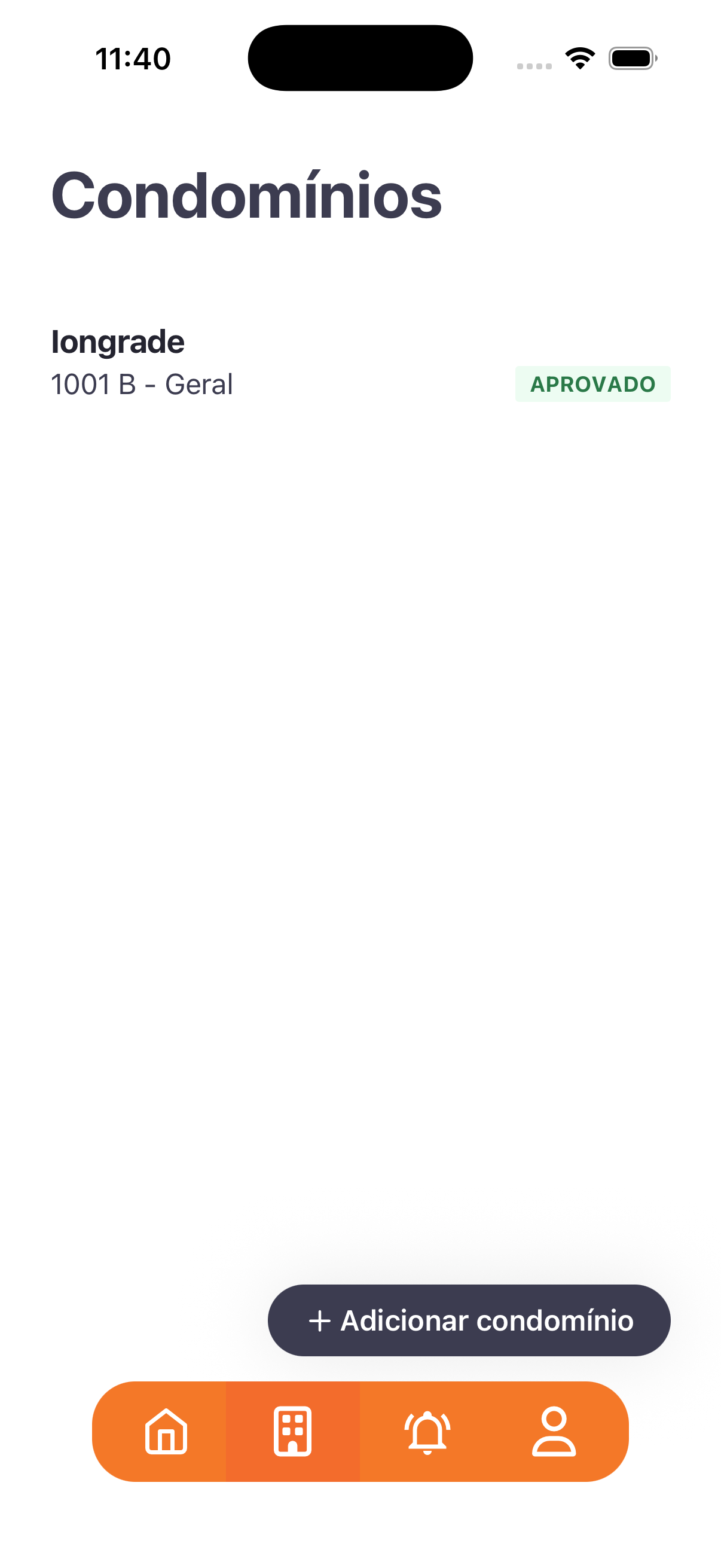
- Condominium item: name (e.g.: Iongrade), unit (
1001 B - Geral), and a status badge: PENDING APPROVAL (gray) → APPROVED (green). - In the post-add onboarding, Continue appears; in the general listing there is + Add condominium.
Step by step
- Open Condominiums → + Add condominium.
- Enter the condominium code (and submit) or scan the QR code.
- The link appears as PENDING APPROVAL; tap Continue.
- Wait for the building management to approve — the status changes to APPROVED and the features unlock.
Business rules and integrations
- Linking = entering a code or QR code + the unit; it creates a link pending approval.
- Approval/rejection is handled in the Panel — see People moderation.
- While PENDING APPROVAL, the home screen shows the waiting message (Home and navigation).
- The condominium code/QR code is generated/configured in the company record — see Companies / Condominiums.
Related
- Home and navigation, People moderation, Companies / Condominiums
For you
Add your condominium using the code or QR code provided by the building management and wait for approval.