Parcels
Overview
Where the resident tracks the parcels received at the front desk, separated by status. Each item shows the identification, photos, and details; once picked up, it shows who picked it up and when. The registration/check-out is done by the front desk in the Panel — see Parcels.
Where it is / How to access
Home (approved) → Parcels card.
Screens and elements
Status tabs
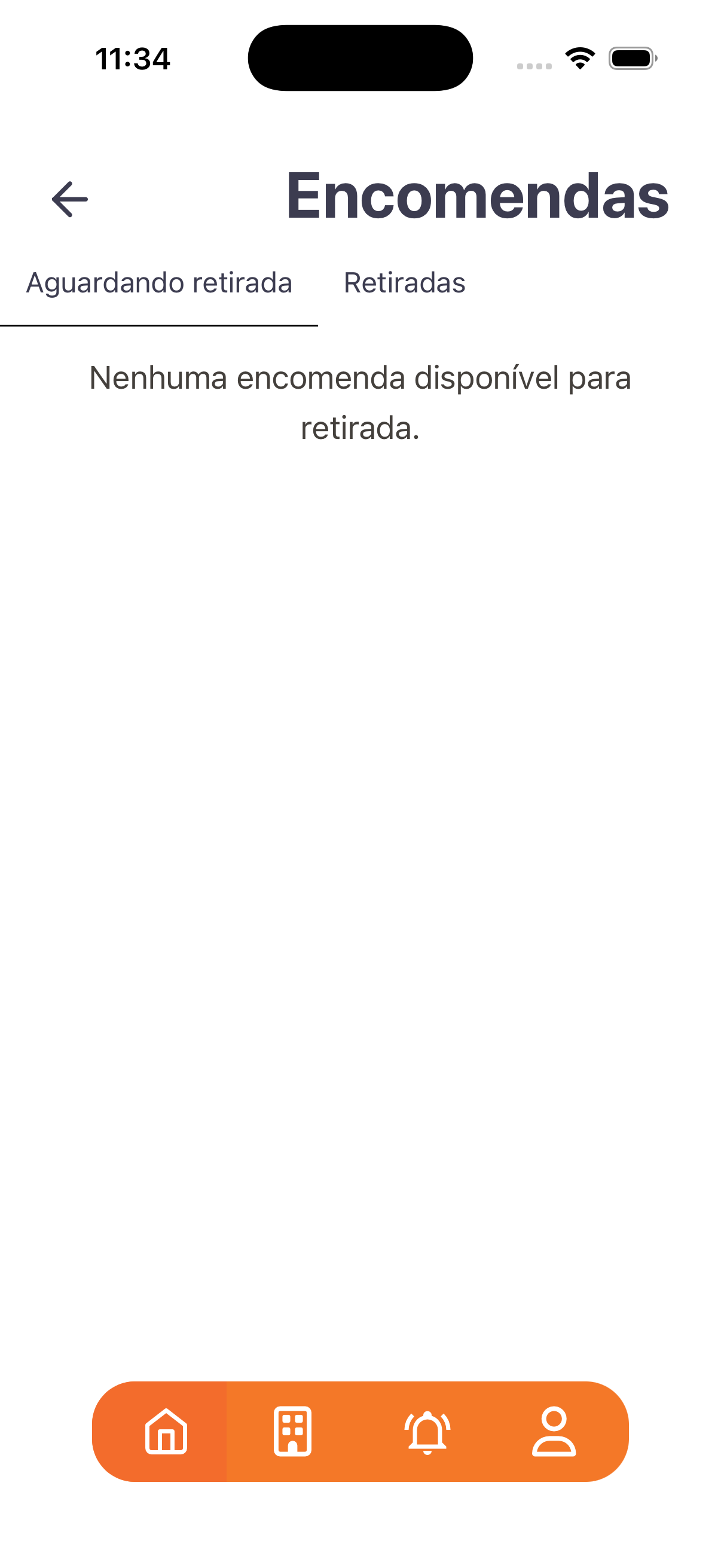
- Awaiting pickup — empty: "No parcel available for pickup."
- Picked up — lists the ones already delivered.
Parcel item
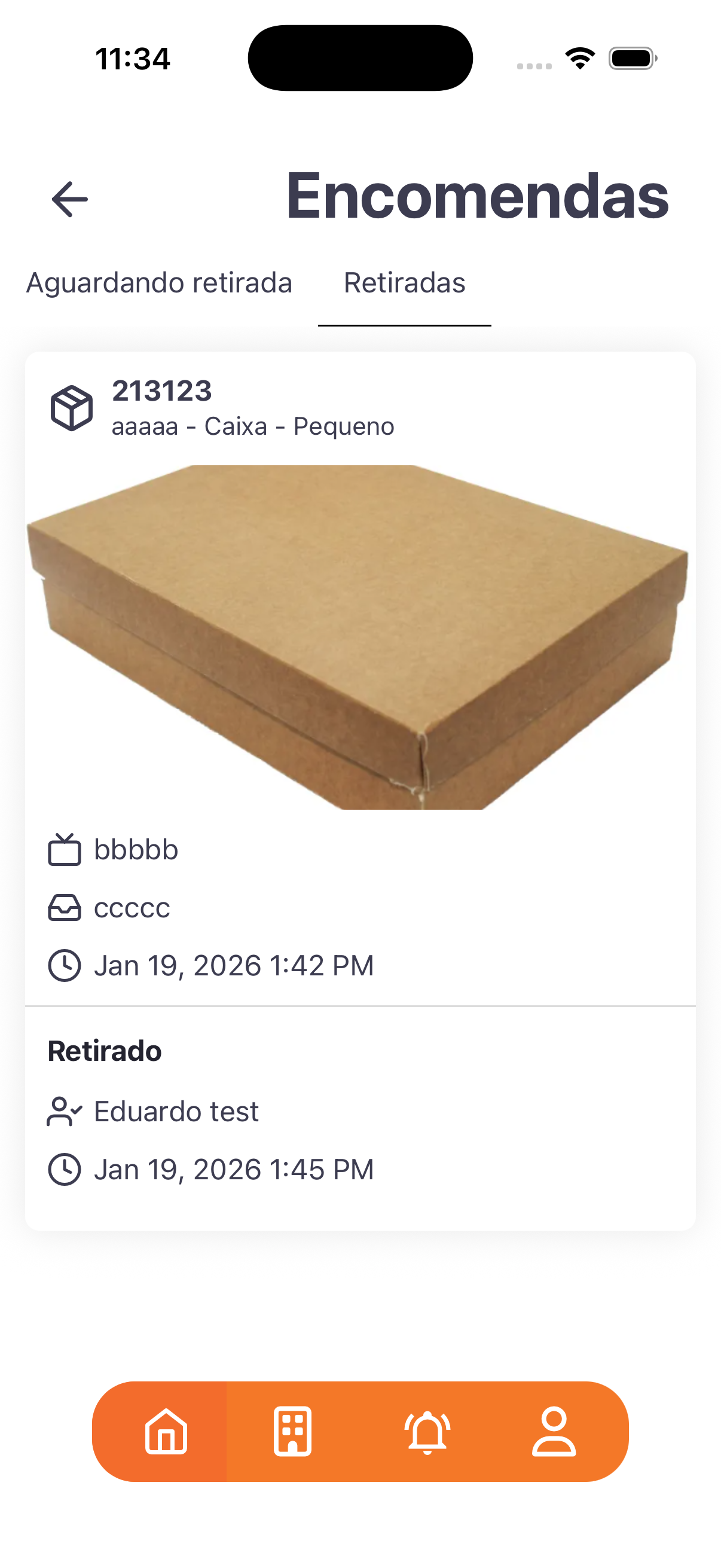
| Data | Example |
|---|---|
| Identifier | 213123 (box icon) |
| Description | aaaaa - Caixa - Pequeno |
| Photo | parcel image |
| Details | lines with sender/carrier/notes |
| Arrival (date/time) | Jan 19, 2026 1:42 PM |
| Picked up | who picked it up (e.g.: Eduardo test) + date/time (Jan 19, 2026 1:45 PM) |
Step by step
- Parcels card.
- Check Awaiting pickup for what is available.
- Check Picked up for the history, with who picked it up and when.
Business rules and integrations
- The status follows the Awaiting pickup → Picked up cycle (mirrors Parcels in the Panel).
- The arrival record and the delivery check-out (who received it + code) are handled by the front desk in the Panel.
- Note (i18n): dates appear in English (e.g.: "Jan 19, 2026 1:42 PM") — an improvement point.
Related
- Parcels, Notices (notifications)
For you
Track here what has arrived and the pickup history; you are notified through Notices (notifications) when a parcel arrives.