Profile and access credential
Overview
Resident screen with their data, the active condominium/unit, and the access credential (dynamic QR code) used for physical access control. It allows editing the profile (name, email, mobile, photo). The document is locked for editing.
Where it is / How to access
Bottom bar → Profile tab. Editing opens in Edit profile.
Screens and elements
Profile + credential (QR code)
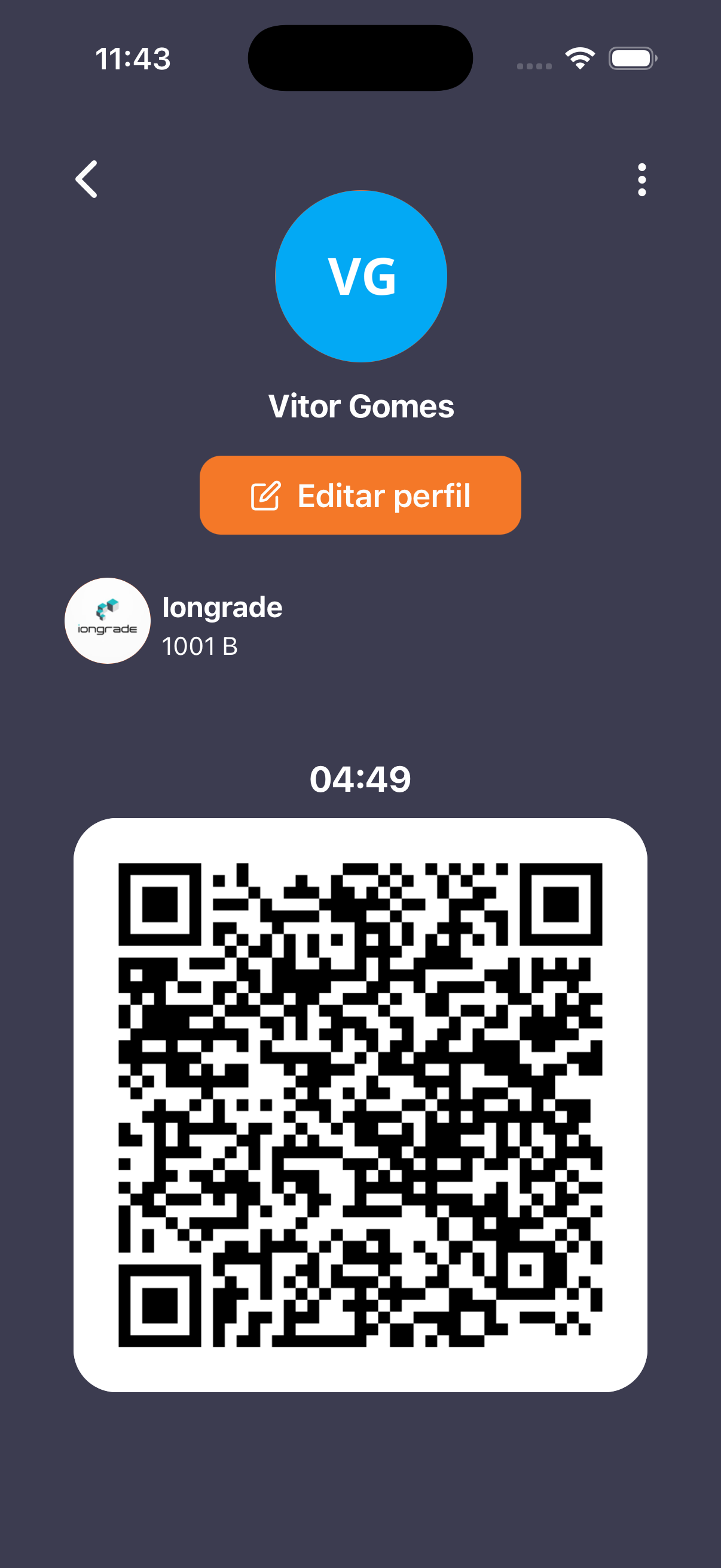
- Avatar with initials (e.g.: "VG"), resident name, and Edit profile button (orange).
- Condominium block (logo + name + unit, e.g.:
1001 B). - Large QR code with a countdown (e.g.:
04:49) — a credential that expires/rotates, presented at the front desk/turnstile to release access.
Edit profile
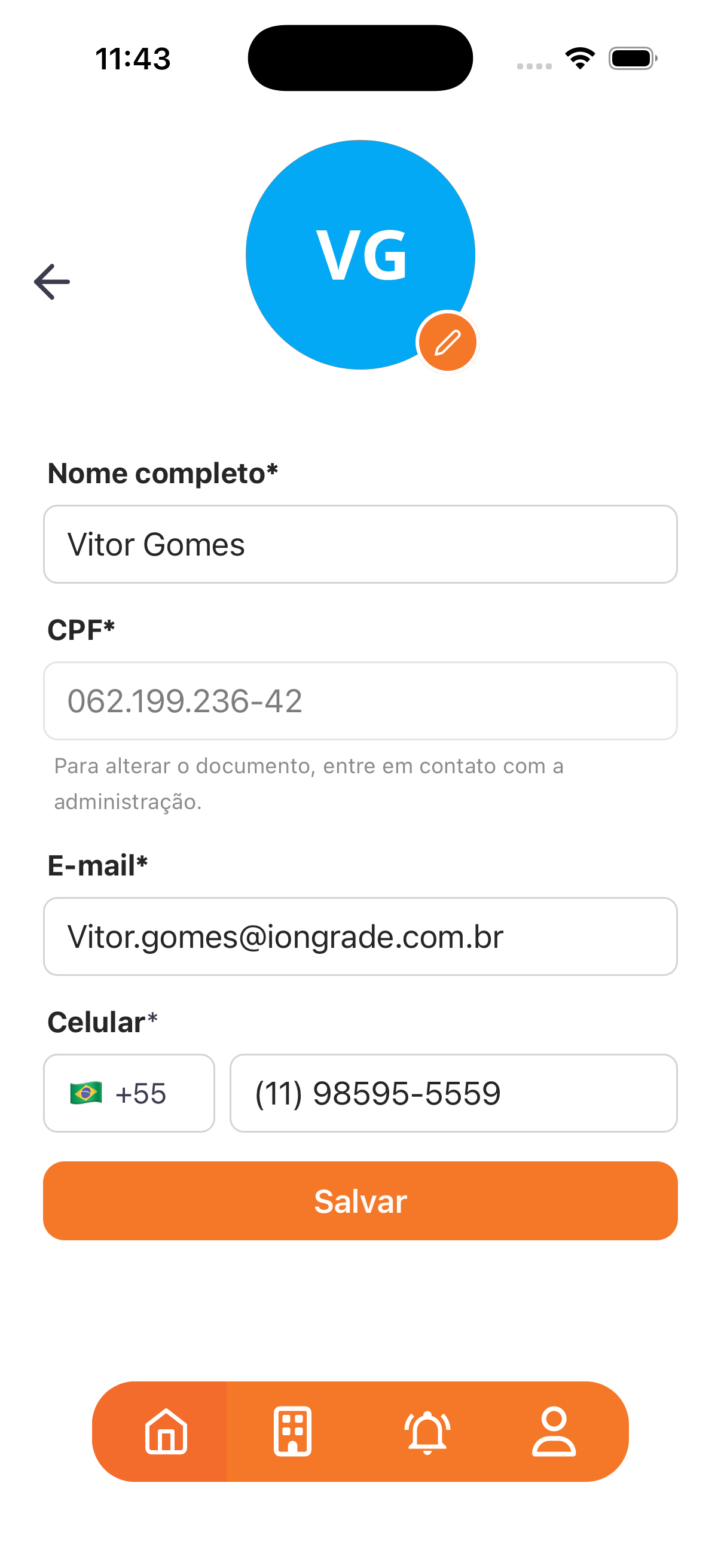
| Field | Type | Required | Description / Rule |
|---|---|---|---|
| Photo | Upload (camera) | — | Editable through the pencil icon over the avatar. |
| Full name | Text | Yes | Editable. |
| Document | Text | Yes | Locked — "To change the document, contact the building management." Shows the registered type (CPF, Passport, etc.) and number. |
| Text | Yes | Editable. | |
| Mobile | Phone (+55) | Yes | Editable, with country code/flag. |
- Action: Save.
Step by step
- Open the Profile tab.
- To go through the front desk, present the QR code (it expires with the countdown — generate/refresh it when you are about to use it).
- To change your data, tap Edit profile, adjust name/email/mobile/photo and tap Save.
- To change the document, contact the building management.
Business rules and integrations
- Dynamic QR code with expiration (countdown) — an anti-fraud security measure for physical access (integration with Access Control — see Integration — General).
- Document is immutable for the resident (only the building management can change it).
- The condominium/unit shown follows the active link from Condominiums (link unit).
Related
- Condominiums (link unit), Home and navigation, Integration — General
For you
Your QR code expires — present it right when you need access. Edit your data in Edit profile; the document can only be changed by the building management.