Group visits
Overview
Where the resident creates an invitation for several visitors at once (e.g.: a party), entering a description and the number of visitors, and generating an invitation link. Administrative counterpart: Group visits (Panel).
Where it is / How to access
Home (approved) → Group Visits card. Empty list: "No group visit found yet."
Screens and elements
Listing
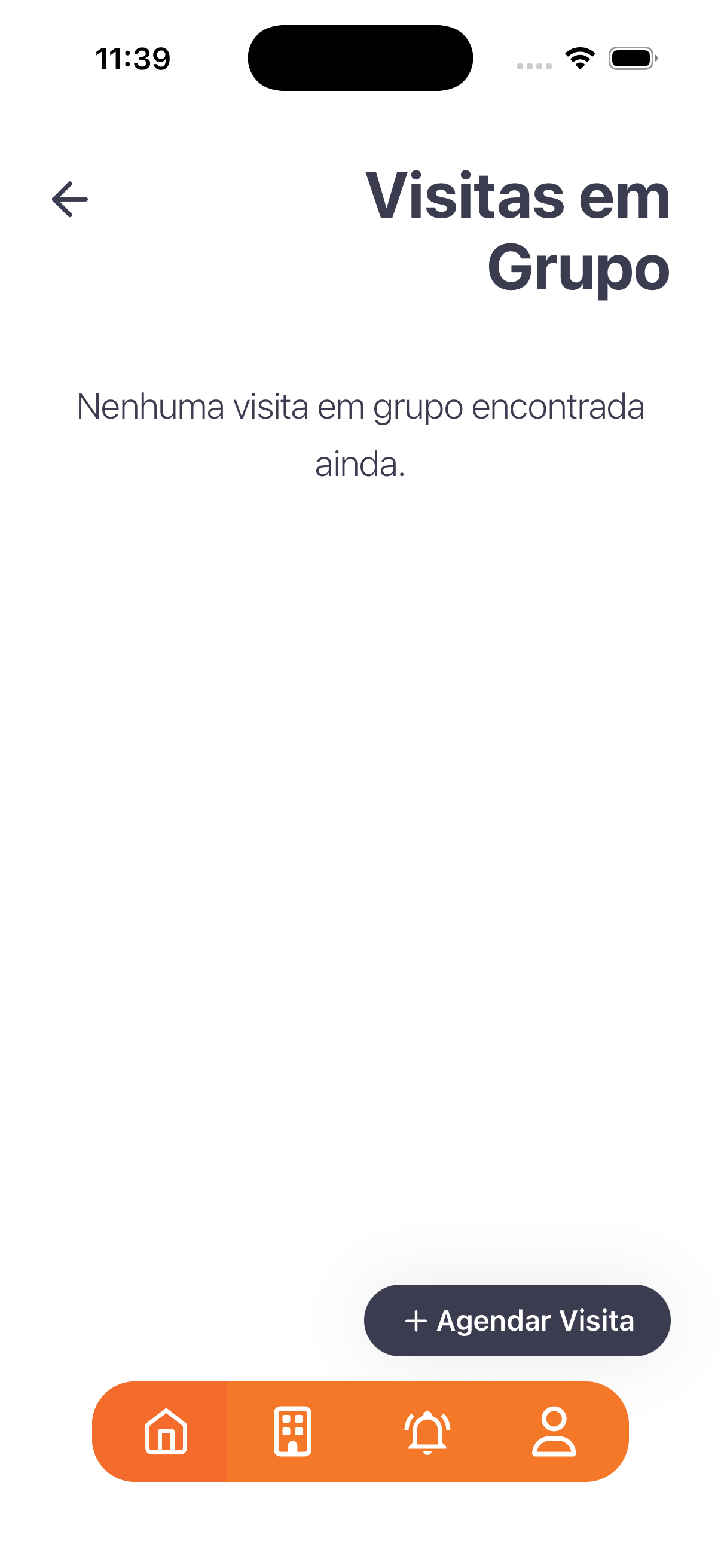
- Empty state: "No group visit found yet."
- Action: + Schedule Visit.
"Add group visit" modal
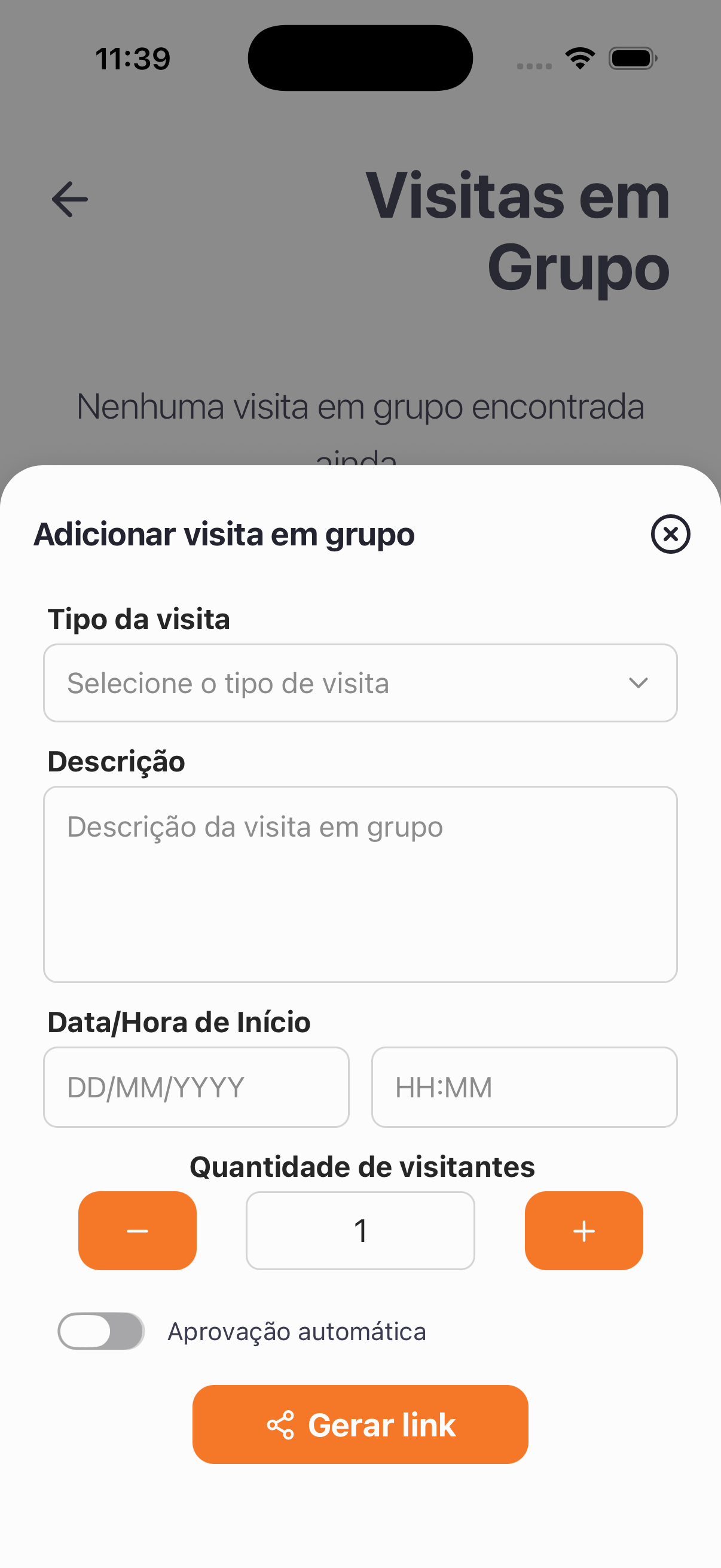
| Field | Type | Required | Description / Rule |
|---|---|---|---|
| Visit type | Selection | — | "Select the visit type" (from Visit types). |
| Description | Long text | — | "Group visit description" (e.g.: "End-of-year party"). |
| Start Date/Time | Date + Time | — | DD/MM/YYYY and HH:MM. |
| Number of visitors | Number (− / +) | — | Stepper starting at 1. |
| Automatic approval | Toggle | — | Releases the guests without manual approval when turned on. |
- Action: Generate link (share icon).
Step by step
- Group Visits card → + Schedule Visit.
- Choose the Visit type, write the Description, and set the Start Date/Time.
- Adjust the Number of visitors and Automatic approval.
- Tap Generate link and share it with the guests.
Business rules and integrations
- It generates a single link whose capacity is defined by the number of visitors.
- Visit types follow Visit types; the invitations appear in Group visits (Panel), including the guest list and the link.
Related
- Visits, Recurring visits, Visit types
For you
Perfect for events — set how many guests there will be and share a single link.