Recurring visits
Overview
Where the resident schedules a recurring visitor (e.g.: house cleaner, regular service provider), defining a time window per day of the week. A variant of Visits for recurring access. The administrative counterpart is Recurring visits (Panel).
Where it is / How to access
Home (approved) → Recurring Visits card. Empty list: "No visit scheduled yet."
Screens and elements
Listing
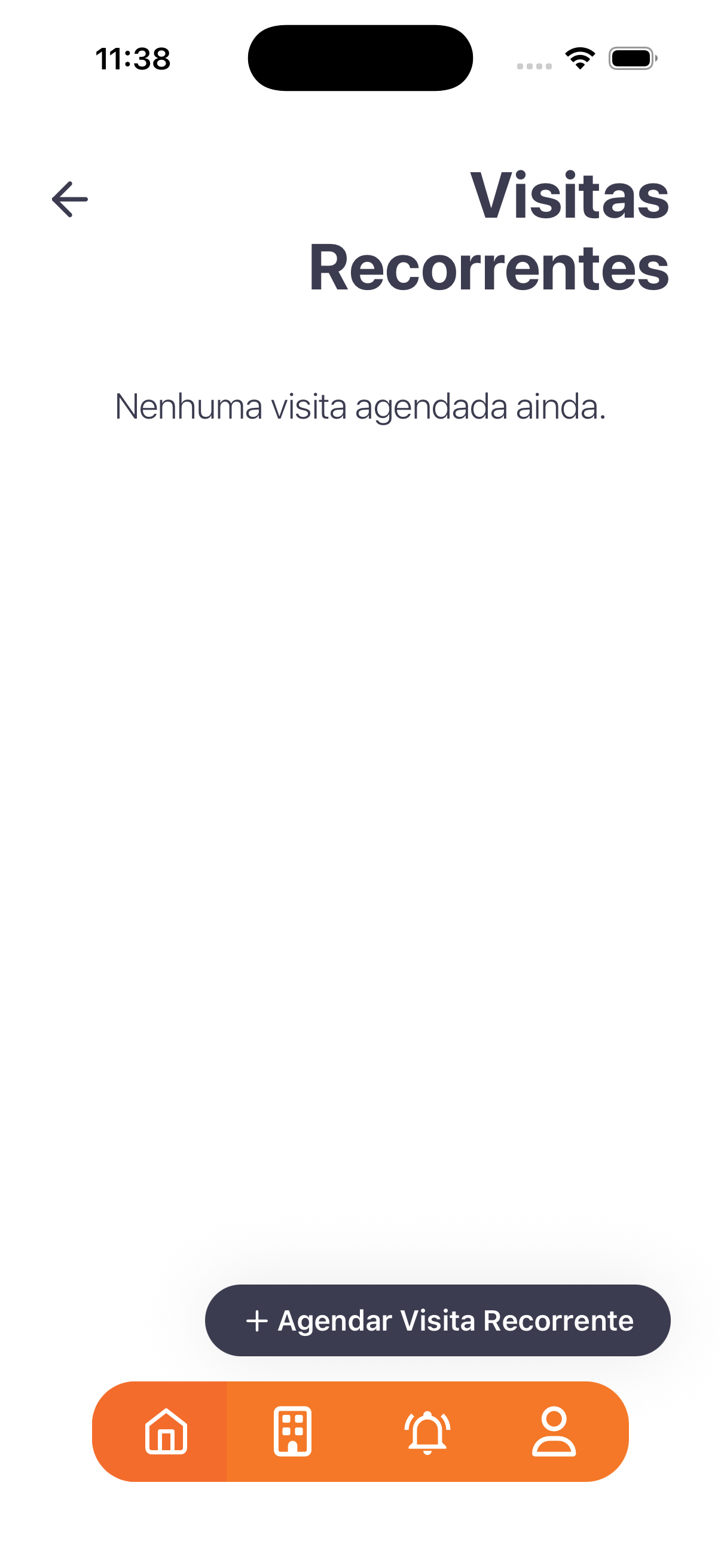
- Empty state: "No visit scheduled yet."
- Action: + Schedule Recurring Visit.
"Schedule Recurring" form
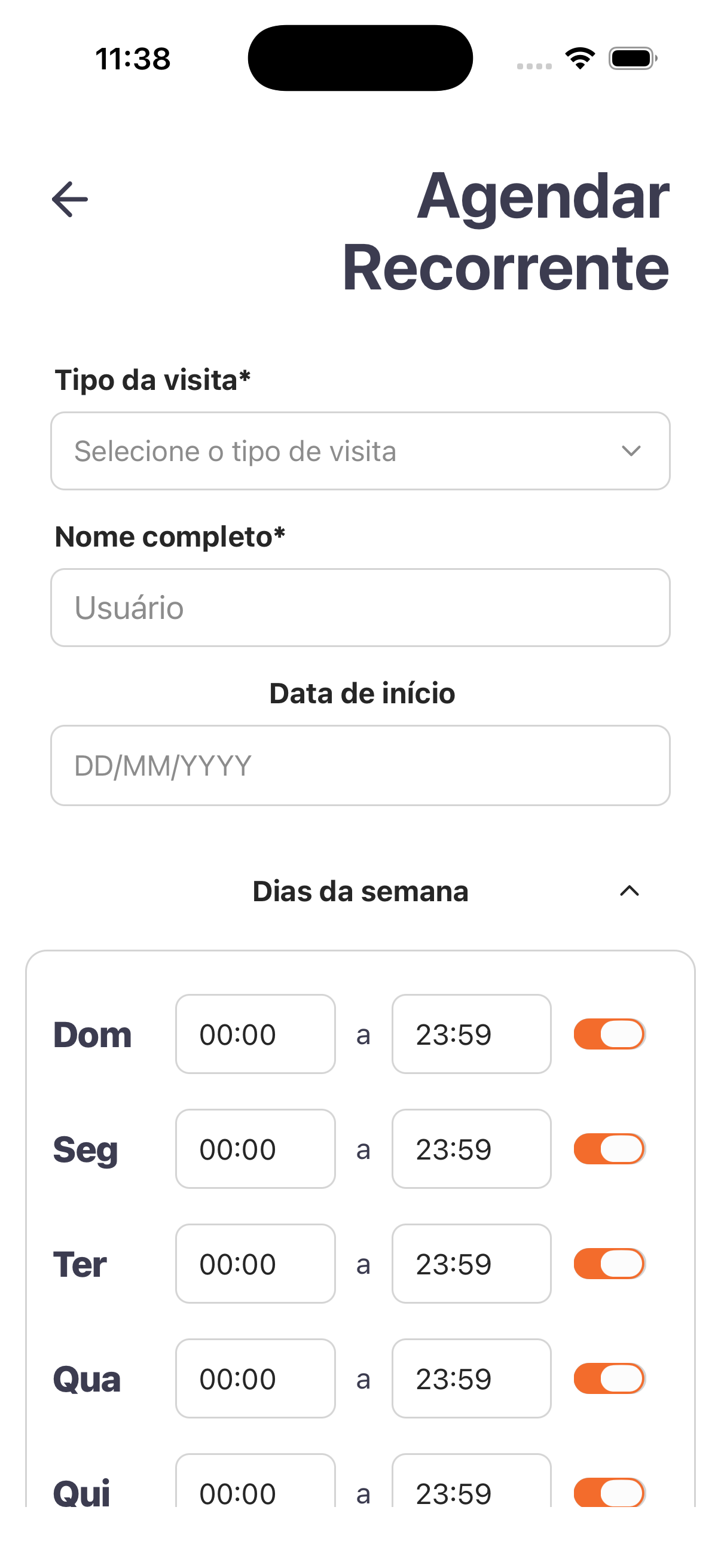
| Field | Type | Required | Description / Rule |
|---|---|---|---|
| Visit type | Selection | Yes | "Select the visit type" (from Visit types). |
| Full name | Text | Yes | Name of the recurring visitor. |
| Start date | Date | — | DD/MM/YYYY. |
| Days of the week | List (Sun–Sat) | — | Per day: start time "to" end time + a toggle to enable/disable the day. |
Step by step
- Recurring Visits card → + Schedule Recurring Visit.
- Choose the Visit type and enter the visitor's Full name.
- Set the Start date.
- Under Days of the week, enable the desired days and adjust the time window (start to end).
Business rules and integrations
- Recurrence defines time windows per day of the week (each day is toggled on/off).
- Visit types follow Visit types; the records appear to the building management in Recurring visits (Panel).
Related
- Visits, Group visits, Visit types
For you
Ideal for people who come in frequently (e.g.: a house cleaner) — set the days and times just once.