Site Management
Sites represent the physical locations monitored by the ION Guard platform — buildings, factories, distribution centers, hospitals, etc.
Site status
| Status | Meaning |
|---|---|
| Active | Site is operational, monitoring is active |
| Inactive | Site is disabled, no monitoring |
| Maintenance | Site is temporarily under maintenance |
Site list
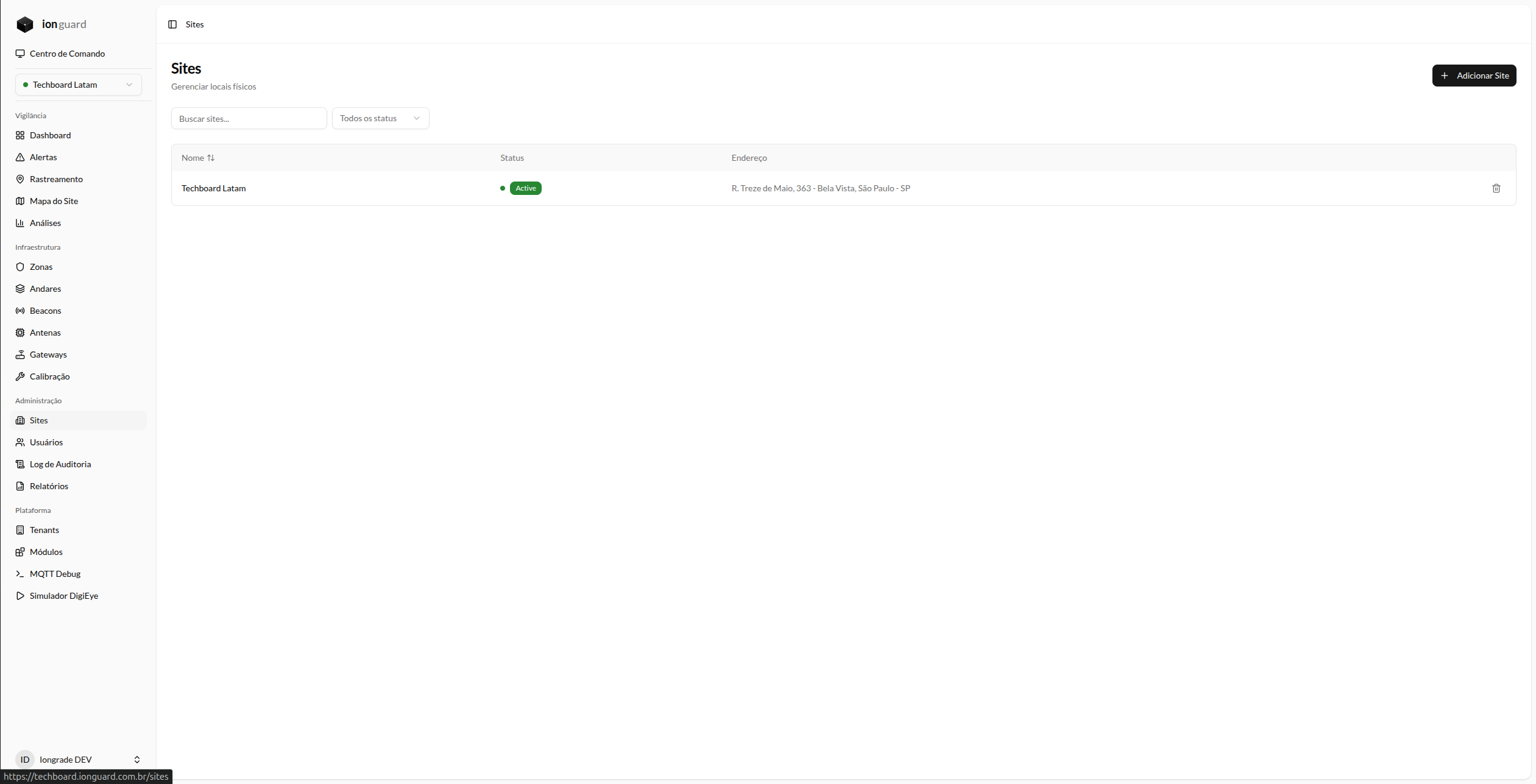
The Sites page (/sites) displays all sites accessible to the user:
- Name — Location name (clickable for details)
- Status — Visual indicator
- Address — Physical address
Filters
- Search by name
- Status: Active, Inactive, Maintenance
- Sorting by name
Create a site
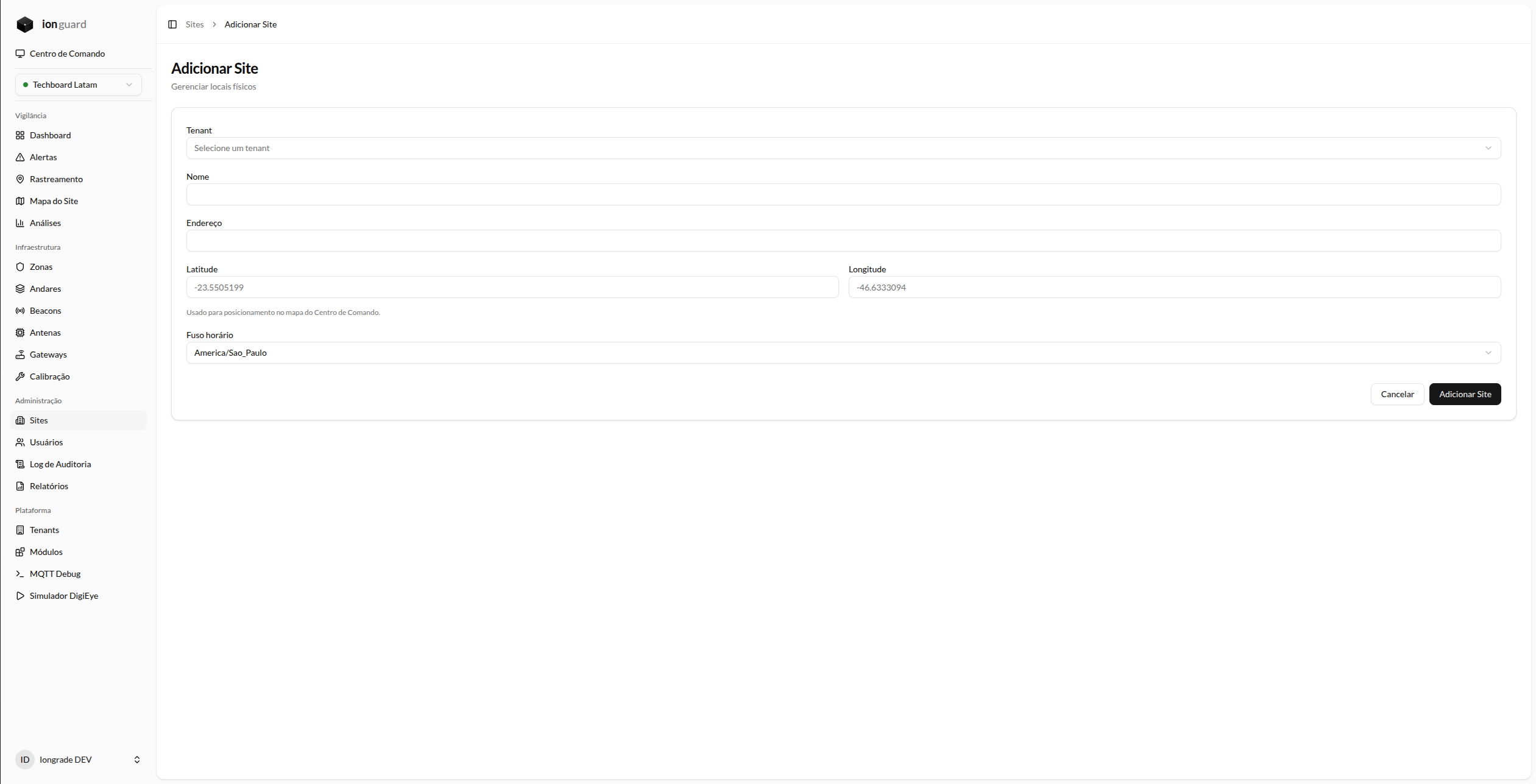
- Click "Add Site"
- Fill out the form:
| Field | Required | Description |
|---|---|---|
| Name | Yes | Location name. Max. 255 characters |
| Address | No | Physical address. Max. 500 characters |
| Latitude | No | Geographic coordinate (-90 to 90) |
| Longitude | No | Geographic coordinate (-180 to 180) |
| Timezone | Yes | Valid time zone (default: America/Sao_Paulo) |
- Click "Save"
When you create a site with the Platform Admin profile, you also select the organization (tenant) the site belongs to. For all other profiles, the site is created automatically in the user's own organization.
Creating, editing, and deleting sites is only allowed for Tenant Master and Platform Admin. The Tenant Admin profile manages zones, floors, and devices, but does not create or delete sites.
Coordinates are used to position the site on the Command Center map. Sites without coordinates appear as "unmapped" in the map's lower indicator.
Edit a site
In the list, click the site name and then "Edit". All fields can be changed.
Delete a site
Click "Delete" in the site list. A confirmation dialog displays the impact of the deletion — how many zones, devices, and alerts will be affected.
Deleting a site removes all associated zones, floors, devices, and history.
Site hierarchy
Each site contains:
Site
├── Floors (levels with a floor plan)
│   └── Zones (monitored areas)
├── Beacons (tracked devices)
├── Antennas (signal receivers)
└── Enabled modules
After creating the site, configure the Floors and Floor Plans and the Zones.