Zones
Zones are the monitored areas within a site. Each zone represents a physical space — a room, corridor, floor, outdoor area — where beacons can be tracked.
Zone types
| Type | Color | Behavior |
|---|---|---|
| Restricted | Red | Controlled access. A beacon entering the zone triggers an automatic alert |
| Common | Blue | Normal circulation area. No automatic alerts on entry |
| External | Gray | Outside the monitored perimeter |
When the Synapsys module is enabled and detects a beacon entering a Restricted zone, it can automatically generate a Restricted Zone alert. Alert creation and its severity are defined by the module (not by the platform core).
Zone list
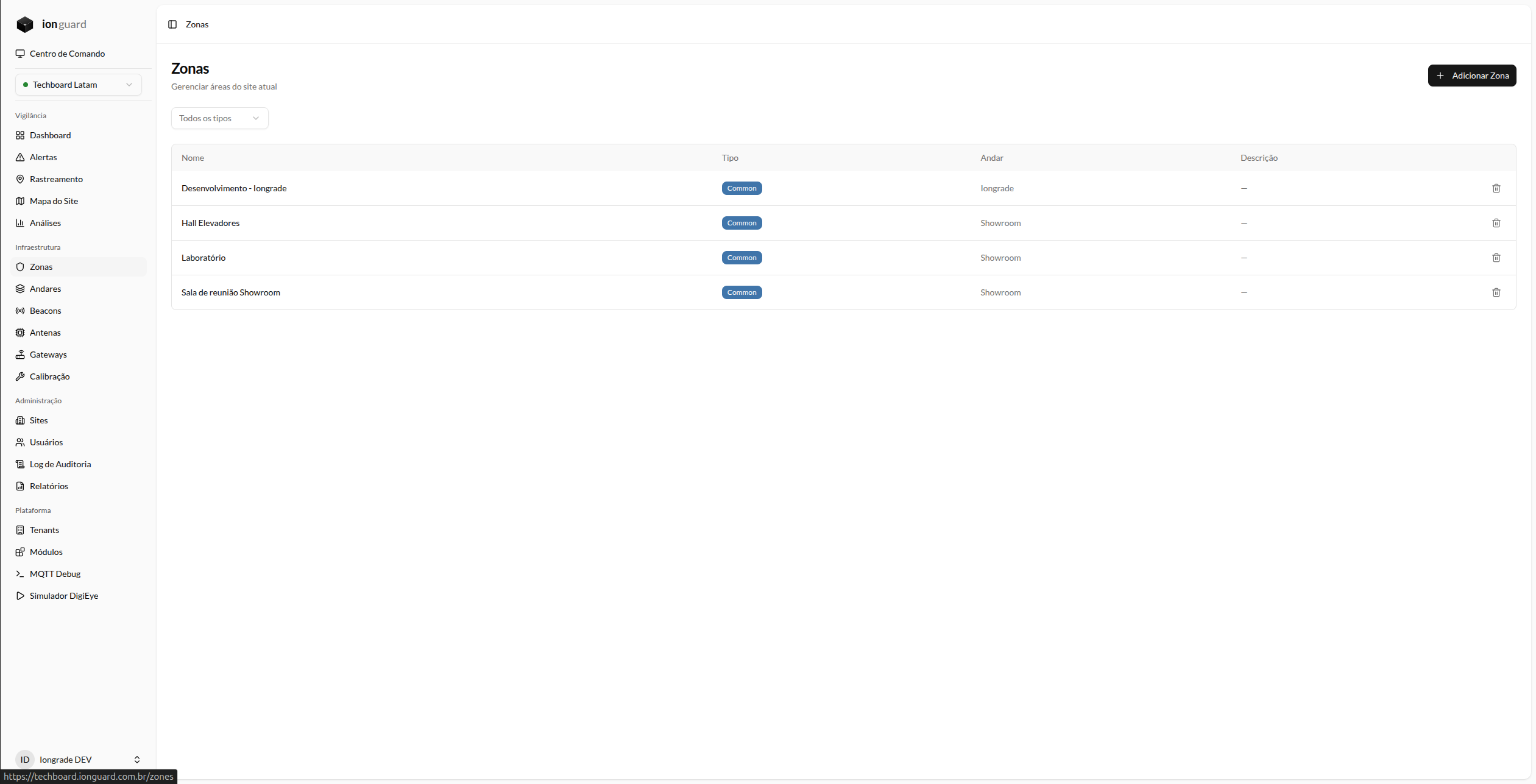
The Zones page (/zones) displays all zones for the selected site:
- Name — Zone name (clickable to edit)
- Type — Colored badge (Restricted, Common, External)
- Floor — Which floor it is associated with
- Description — Descriptive text
Filters
- Type: Restricted, Common, External
Create a zone
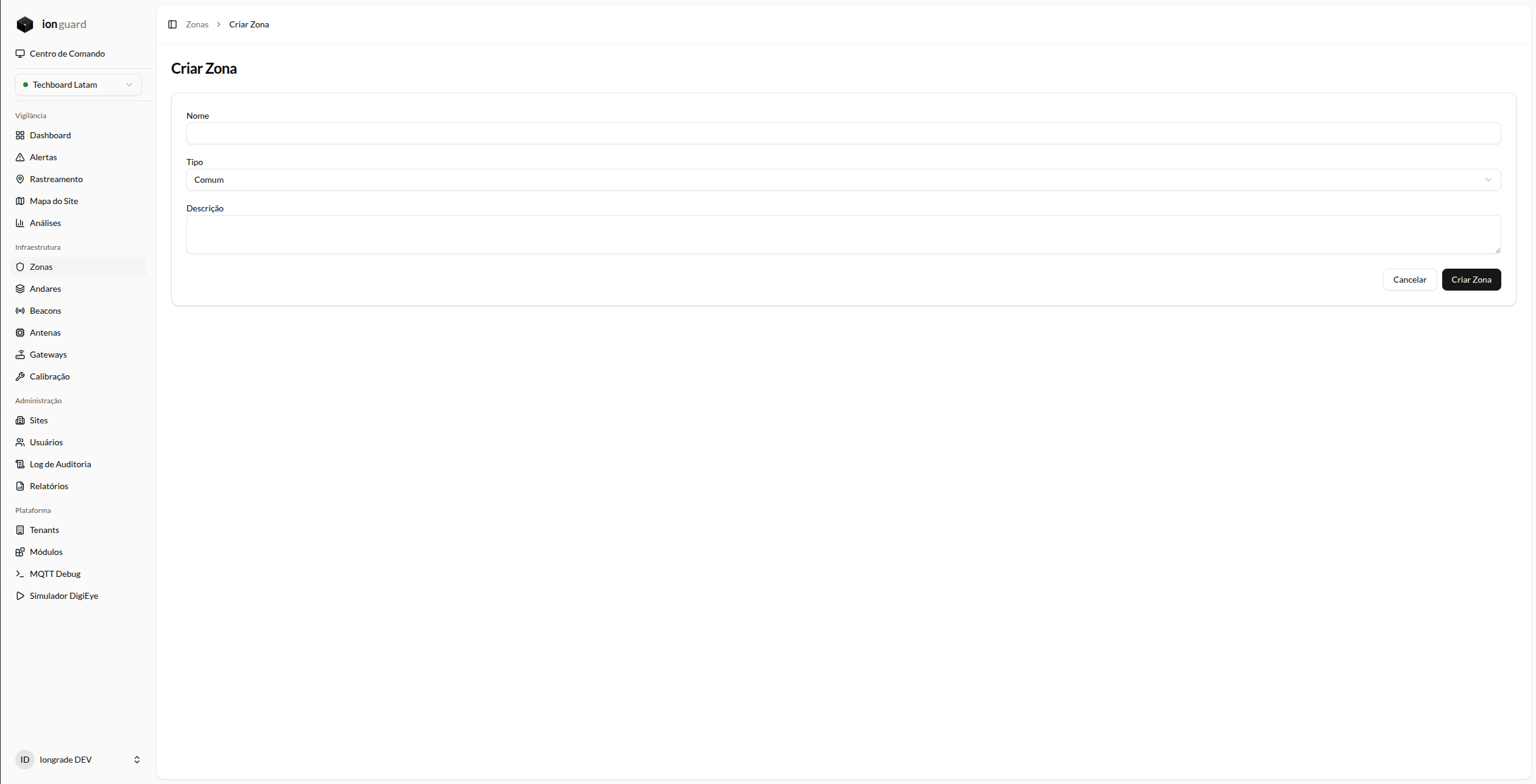
- Click "Add Zone"
- Fill in the form:
| Field | Required | Description |
|---|---|---|
| Name | Yes | Zone name (e.g. "Server Room", "North Yard"). Max. 255 characters |
| Type | Yes | Restricted, Common, or External |
| Description | No | Free text for operational notes. Max. 1000 characters |
- Click "Save"
Association with antennas
For a zone to participate in tracking, it must have at least one assigned antenna. The antenna is the link between the physical zone and the location system:
- Zone without antenna → no beacon detection
- Zone with 1 antenna → basic detection
- Zone with multiple antennas → greater accuracy and redundancy
Assign antennas on the Antennas page.
Association with a floor
Zones can be associated with a floor (level) of the site. This association allows you to:
- View the zone in the Zone Map over the floor plan
- Draw the zone boundary in the floor plan editor
The association is made on the floor's edit page. See Floor Plans.
Edit a zone
In the list, click the zone name. You can change:
- Name
- Type (with impact on automatic alerts)
- Description
Delete a zone
Click "Delete" in the list. The confirmation dialog shows how many antennas are assigned to the zone and will be dissociated.