Tracking
The Synapsys module allows you to track the location of beacons in real time, showing which zones each device is currently in.
Navigation path: the Tracking menu (available when the Synapsys module is enabled on the site).
How it works
Tracking is based on BLE (Bluetooth Low Energy) signals:
- Beacons (panic buttons, asset trackers, personal tags) emit BLE signals periodically
- Antennas installed in each zone capture these signals and send them via MQTT
- The Location Engine analyzes the signal strength (RSSI) from each antenna and determines which zone the beacon is in
- The location is updated in real time in the interface
Beacon (BLE) → Antenna (MQTT) → Location Engine (RSSI) → Detected zone
Accuracy level
Tracking is done at zone level — the system determines which zone the beacon is in, not its exact position within the zone. Location confidence is calculated based on:
- Number of signals received in the time window
- Signal strength (RSSI) — stronger signals indicate greater proximity
- Margin between the dominant antenna and the others
- Temporal consistency — maintaining the same zone for several cycles increases confidence
The system uses hysteresis to avoid oscillations: a beacon does not change zones if the signals are close to the threshold between two antennas.
Confidence is classified into three levels — High, Medium, and Low — combining four factors with weights: signal strength (25%), number of signals (25%), margin over the secondary antenna (30%), and temporal consistency (20%).
The location calculation uses configurable parameters (default values):
- Calculation interval: every 5 seconds
- Signal window: 15 seconds
- Minimum signals to calculate a position: 2
- Minimum RSSI considered: -90 dBm (weaker signals are discarded)
- Hysteresis threshold: 5 dBm of margin to switch zones
Tracking page
The Tracking page (/tracking) shows an overview of the zones for the selected site:
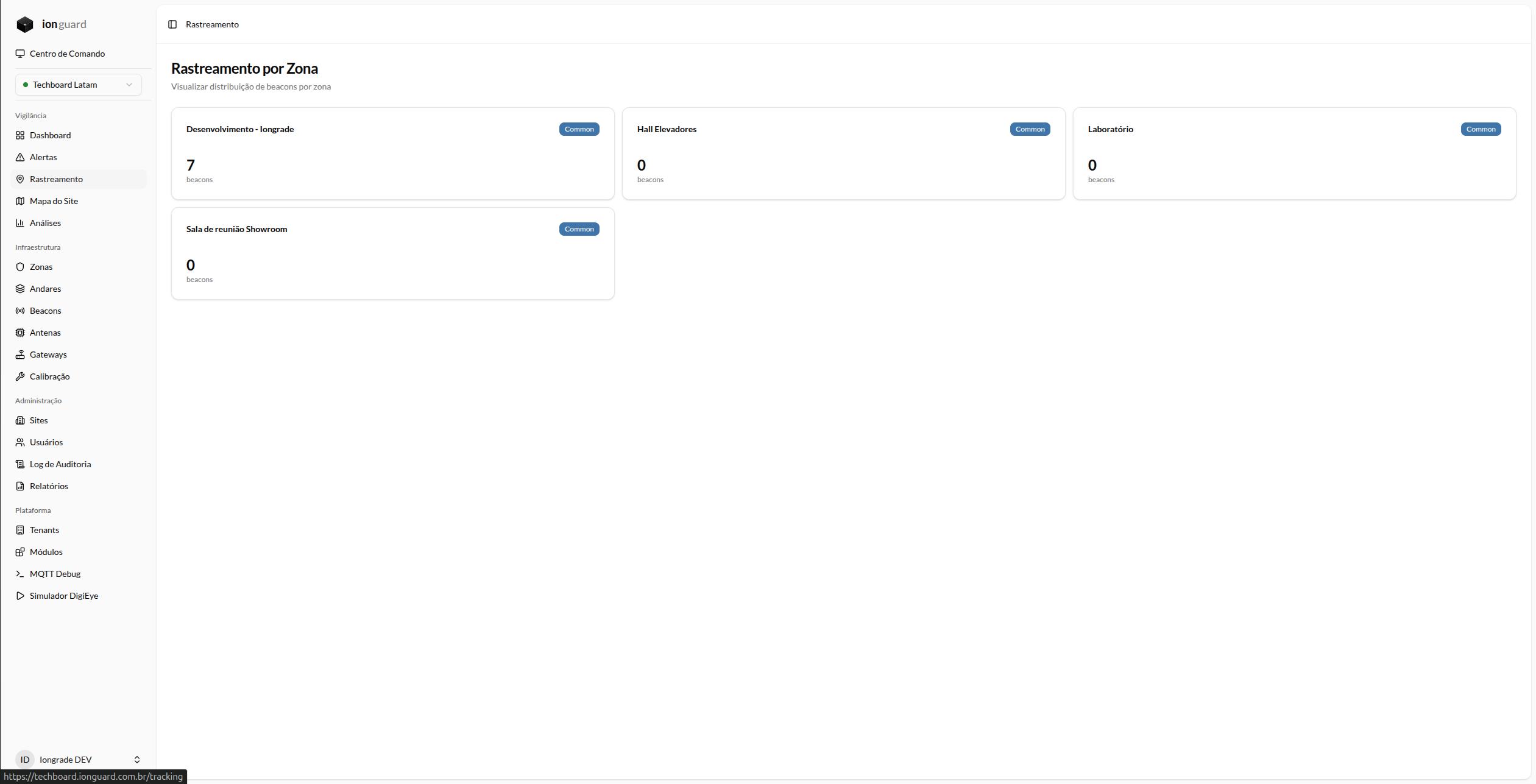
- Zone list with the number of beacons present in each one
- Real-time updates — zone entries and exits appear without reloading the page
- Monitored events: zone entry, zone exit, beacon movement