Recurring invitations
Overview
Invitations that repeat on days of the week over a period — organized into recurring groups. It exists in the app (Recurring) and in the web panel (Recurring Visitors). Each group gathers the entries/participants of a visit that repeats; the approver tracks progress, shares the link, and can cancel the group.
In the app and in the web panel
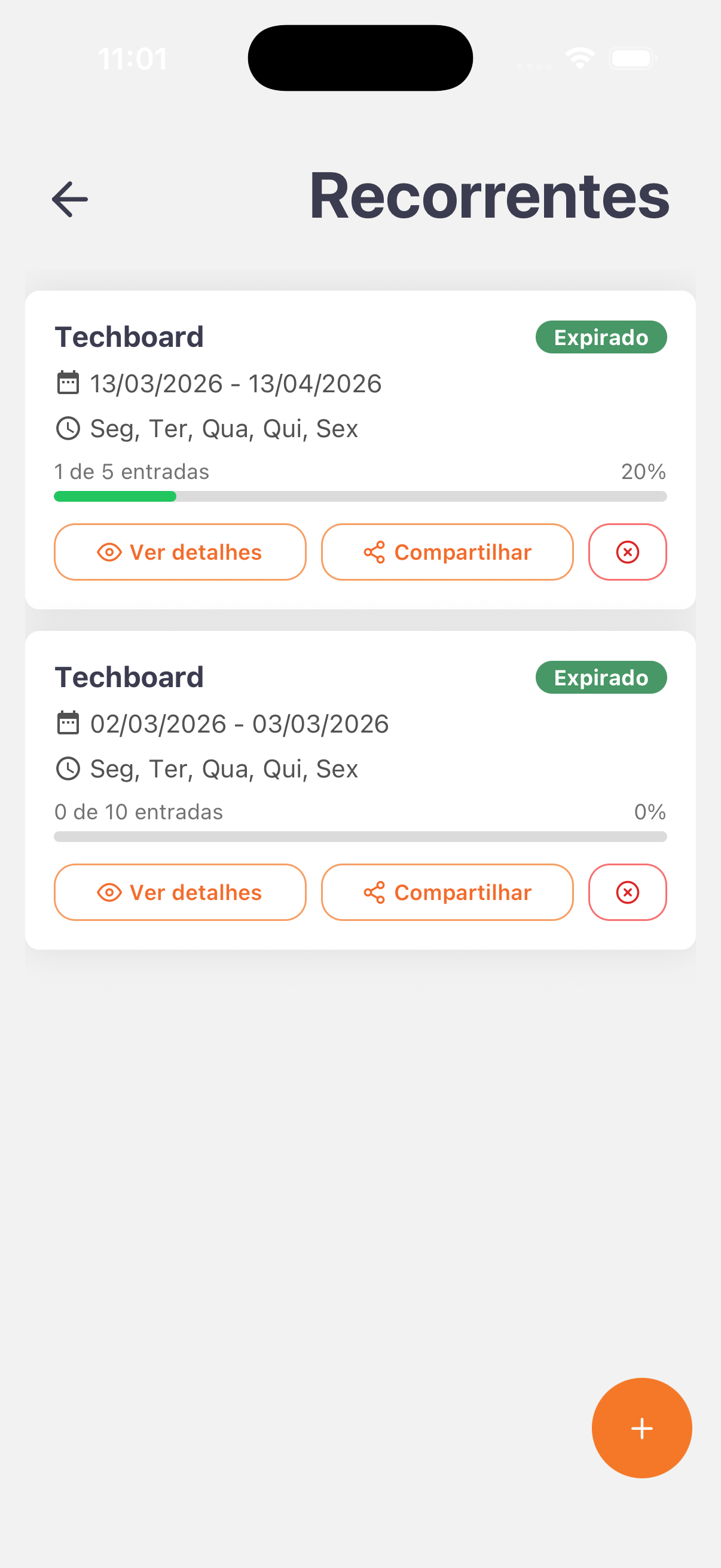
- App — Recurring list: cards in a column; + button in the bottom corner for a new group. Each card shows the company, period, days of the week, entry count, and the View details and Share buttons plus a cancel icon.
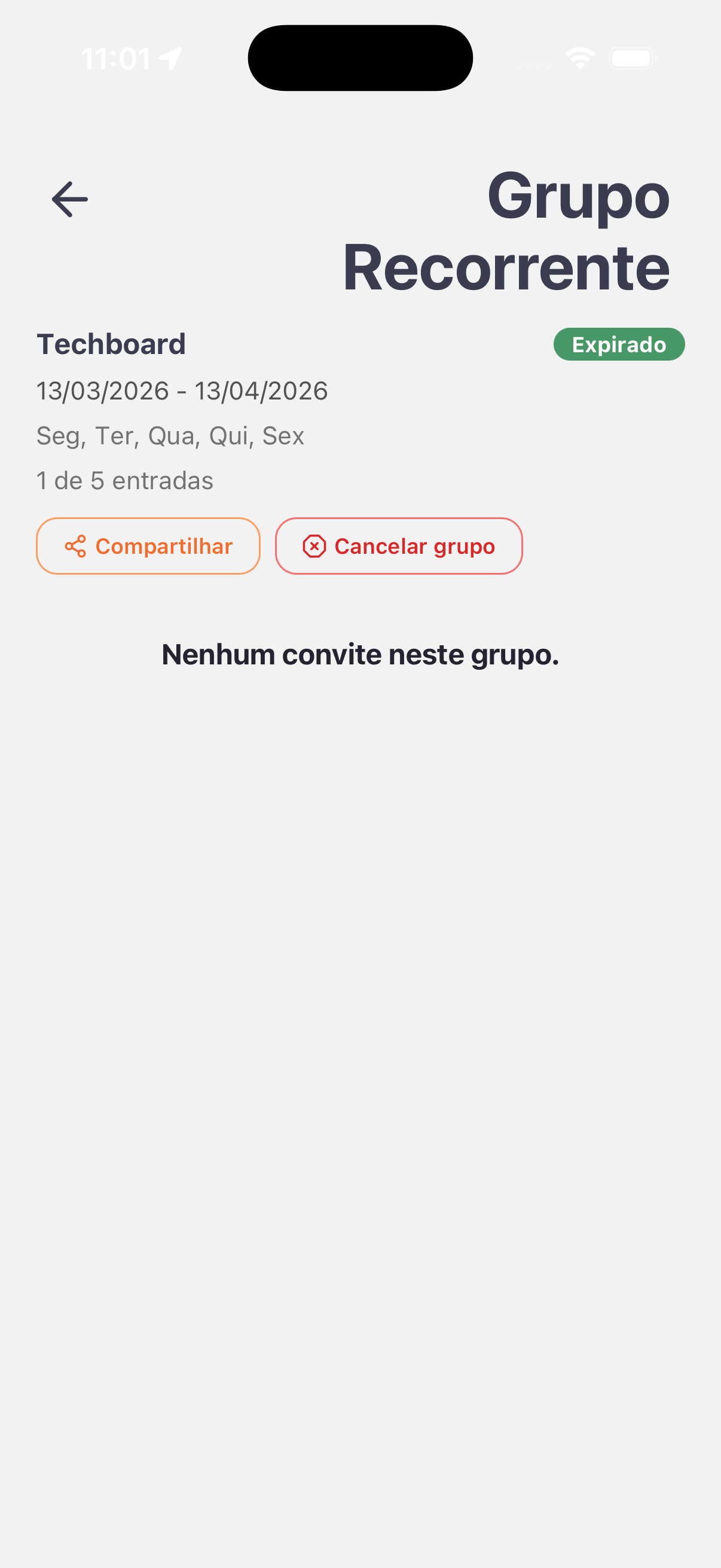
- App — detail (Recurring Group): opened by View details. It shows the company, period, days of the week, entry count, and the Share and Cancel group buttons. When empty, it displays No invitations in this group.
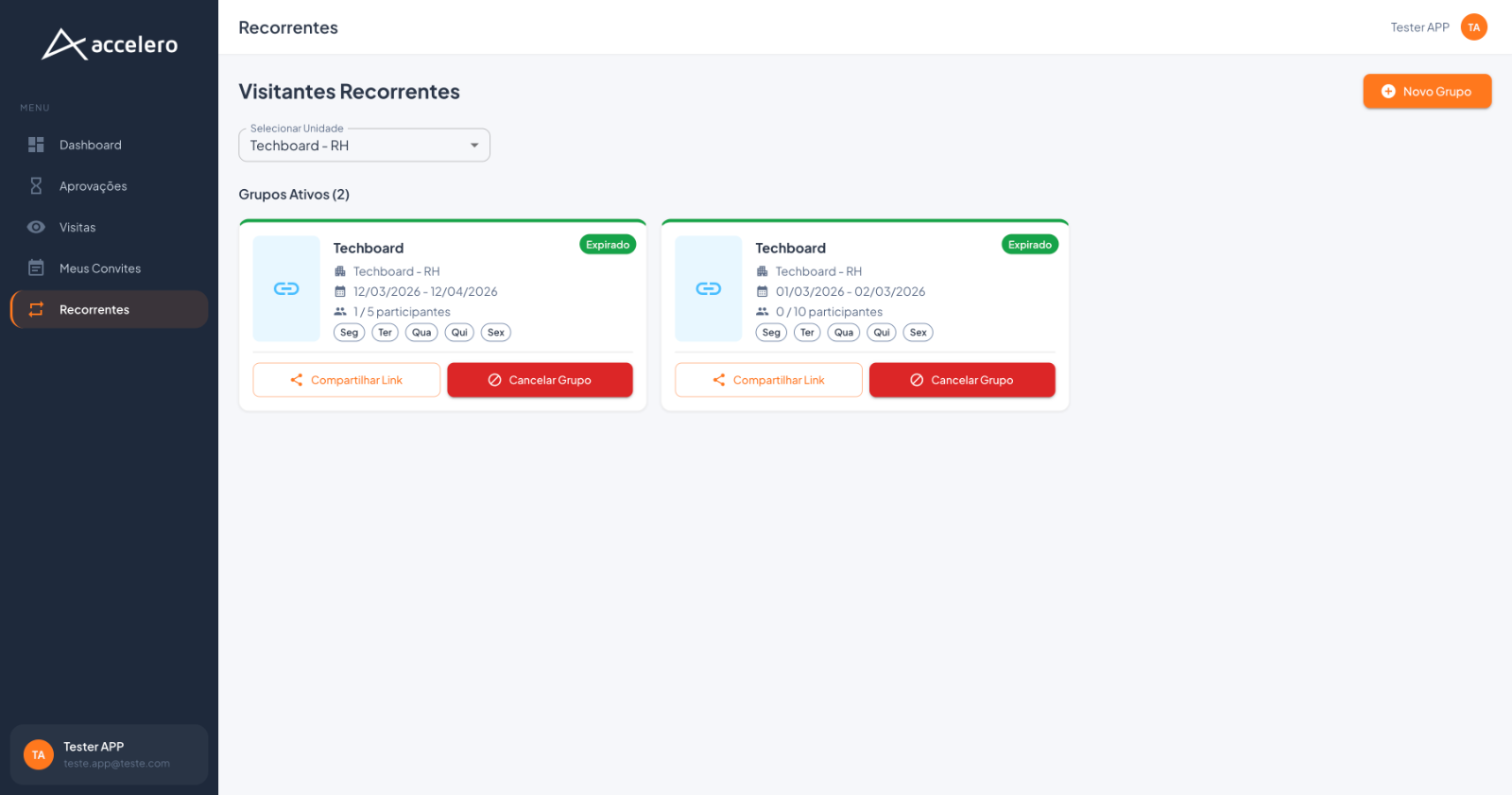
- Web panel — Recurring Visitors: the section title Active Groups (N) and cards side by side; the New Group button in the top right corner and the Select Unit field. Each card shows the company, unit, period, participant count, the days (Mon / Tue / Wed / Thu / Fri chips), and the Share Link and Cancel Group buttons.
Fields (per group)
- Company/unit (e.g., Techboard – HR).
- Period — start and end dates (e.g.,
13/03/2026 - 13/04/2026). - Days of the week — e.g., Mon, Tue, Wed, Thu, Fri (chips in the web panel).
- Entries / participants — e.g., 1 of 5 entries (app) / 1 / 5 participants (web), with a progress bar and percentage in the app.
- Status — e.g., Expired.
Actions
- Share (app) / Share Link (web) — sends/copies the group link.
- View details (app) — opens the Recurring Group with its invitations.
- Cancel group (app) / Cancel Group (web) — ends the recurring group.
- New group — + (app) / New Group (web).
For you
Use recurring groups for visits that repeat on fixed days of the week within a period (e.g., a contractor who comes Monday through Friday). Create one with + / New Group, track how many entries have been used, share the link with the visitors, and cancel the group when it is no longer needed.