Home
Overview
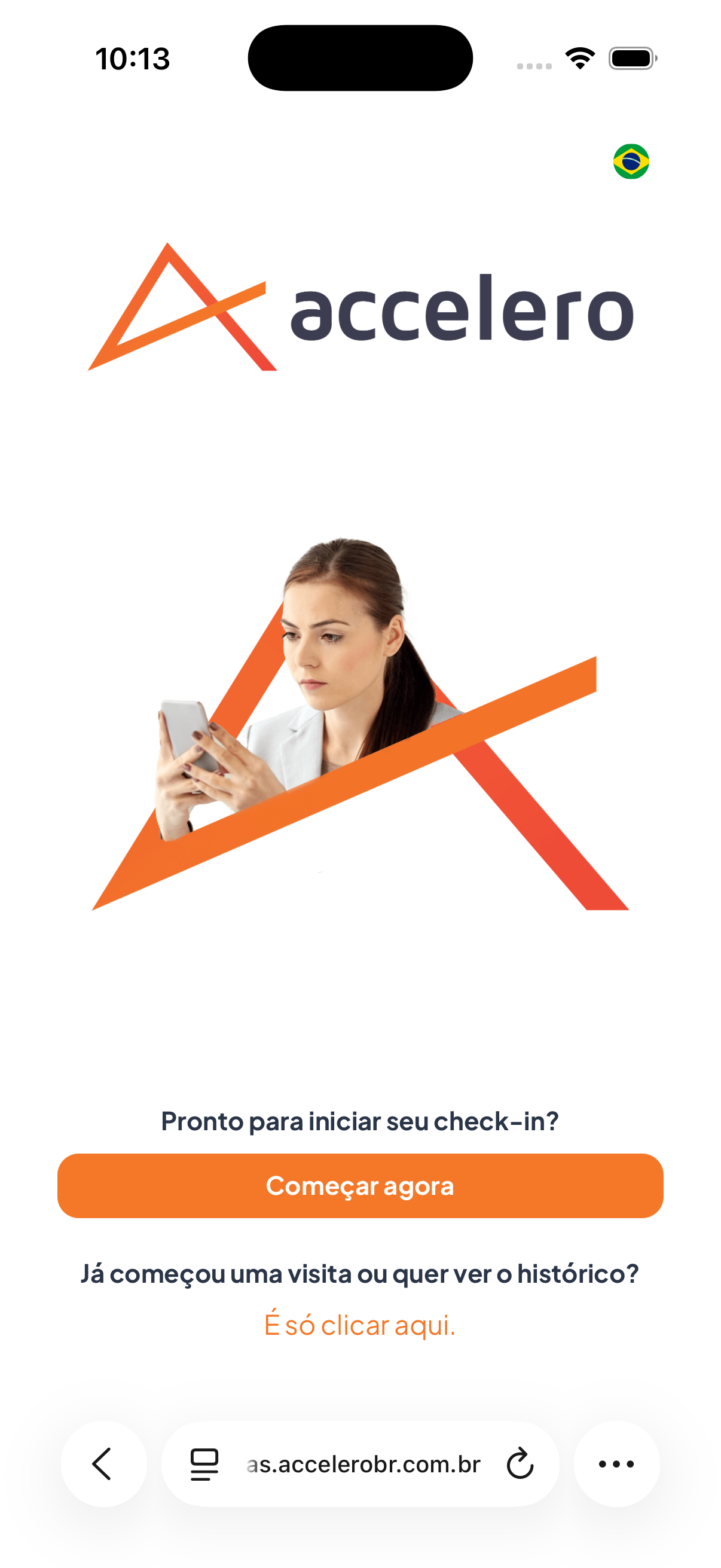
Initial screen of the visitor's self-service check-in flow. This is where you start registering your visit or access the history of visits already completed. The screen shows the accelero brand and the question "Ready to start your check-in?".
What you see
- accelero logo at the top, with the Brazilian flag indicating the language (Portuguese).
- Illustration of a person using a cell phone.
- Highlighted question: "Ready to start your check-in?".
- Main button Start now.
- Text "Already started a visit or want to see the history?" followed by the link "Just click here.".
Step by step
- To start a new visit, tap Start now.
- To check previous or ongoing visits, tap the link Just click here.
For you
Use Start now to begin a new check-in. If you have registered a visit before or want to follow its status, tap Just click here. to see your history.