Company and department selection
Overview
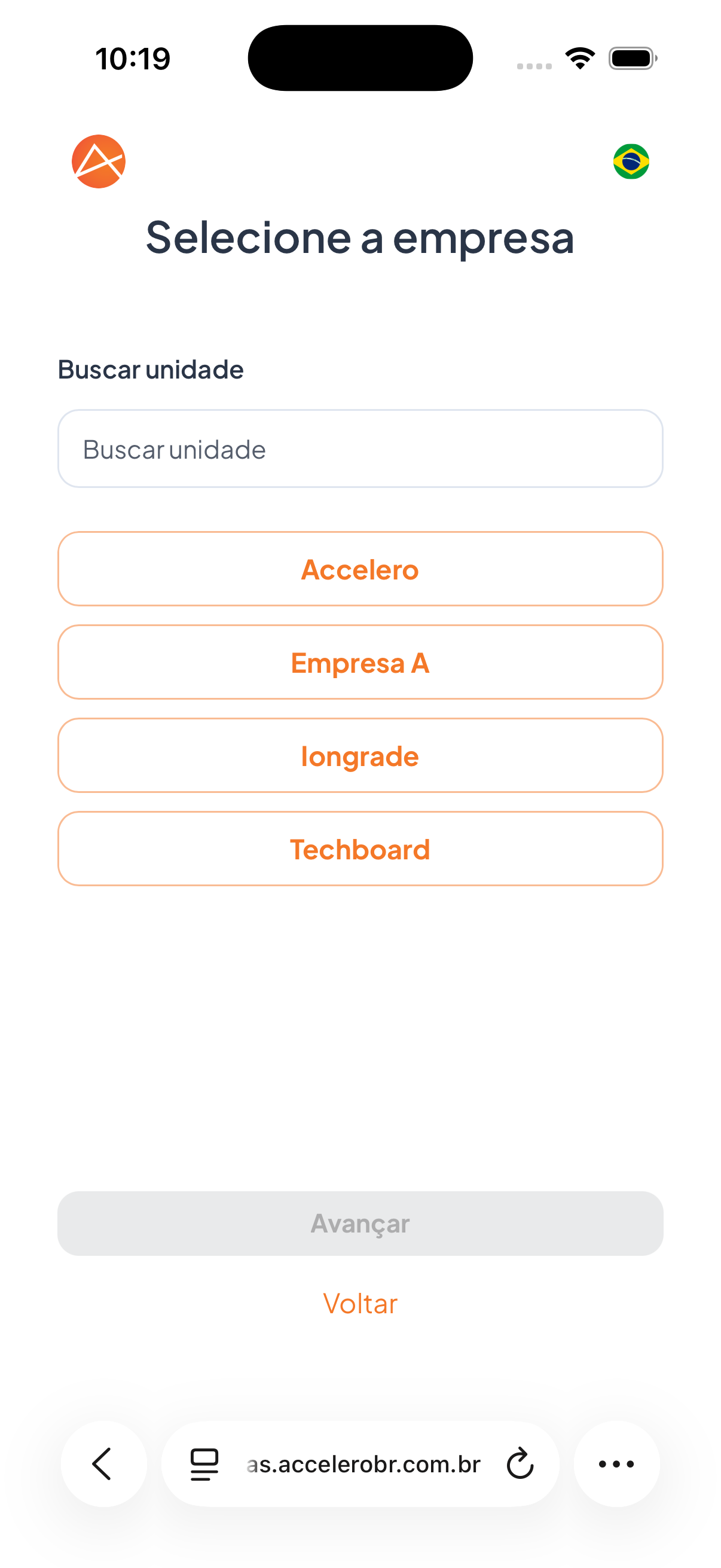
Step in which the visitor selects the destination company (unit) of the visit. The screen is titled "Select the company" and lists the available companies, with a search field to filter the desired unit.
What you see
- Title "Select the company".
- Label "Search unit" above a search field with the placeholder "Search unit".
- List of companies/sites as buttons, for example: Accelero, Empresa A, Iongrade, Techboard.
- Button Next (disabled while no company is selected).
- Link Back.
Fields
- Search unit — text field to filter the company list by name.
- Company/site — selection of one of the listed options.
Step by step
- If needed, type the unit name in the Search unit field to filter the list.
- Tap the destination company in the list.
- Tap Next to continue.
For you
Select the company you are going to visit. If there are many options, use the Search unit field to find it faster. The Next button only becomes active after you select a company.