Terms and notes
Overview
Step for accepting the terms and recording notes. First the visitor reads and accepts the Terms of Use / Privacy Policy; next, on the "Additional information" screen, they can add notes about the visit (optional field).
What you see
Screen "Terms of Use":
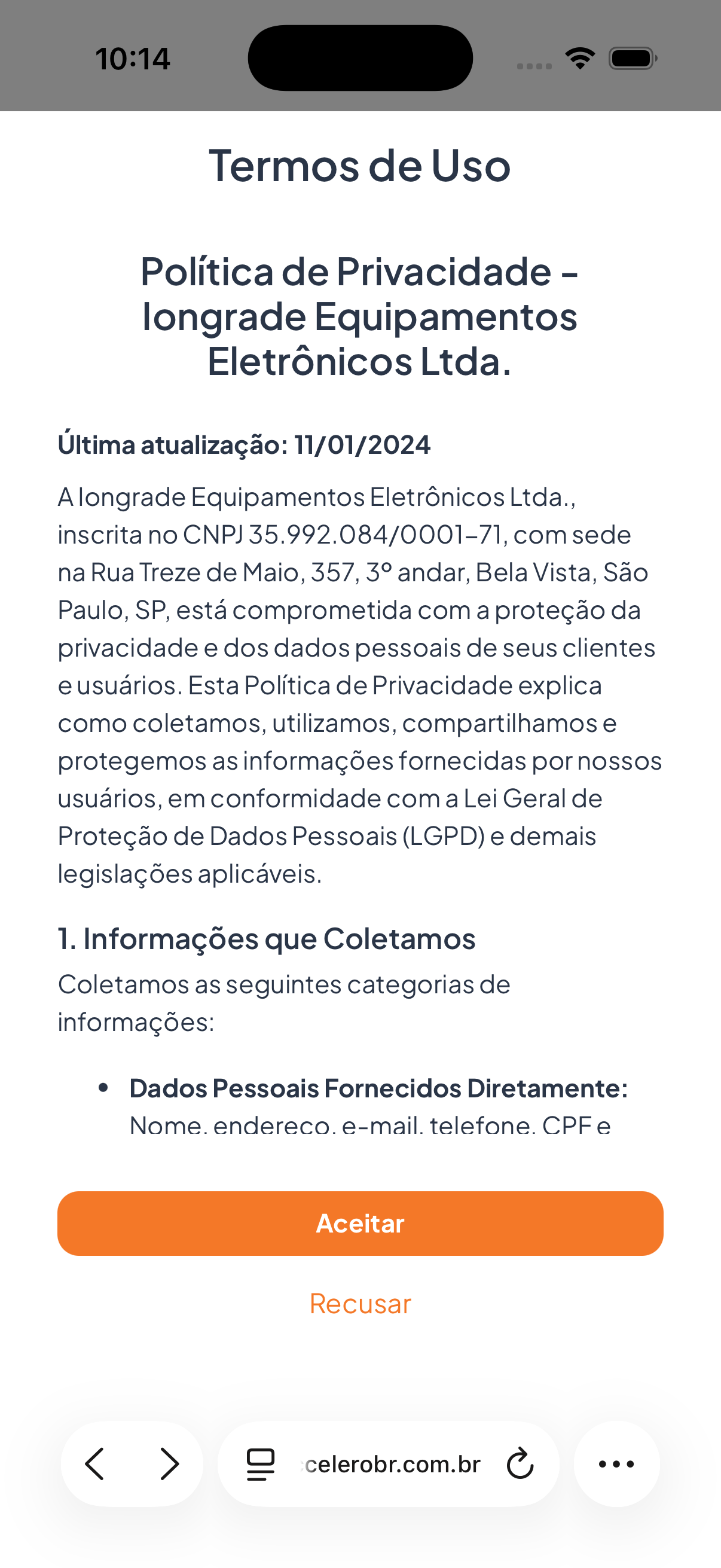
- Title "Terms of Use" and subtitle "Privacy Policy" with the company name (e.g., Iongrade Equipamentos Eletrônicos Ltda.).
- "Last updated" date and the full text of the policy (information collected, use of data, LGPD compliance, and so on).
- Button Accept and link Decline.
Screen "Additional information":
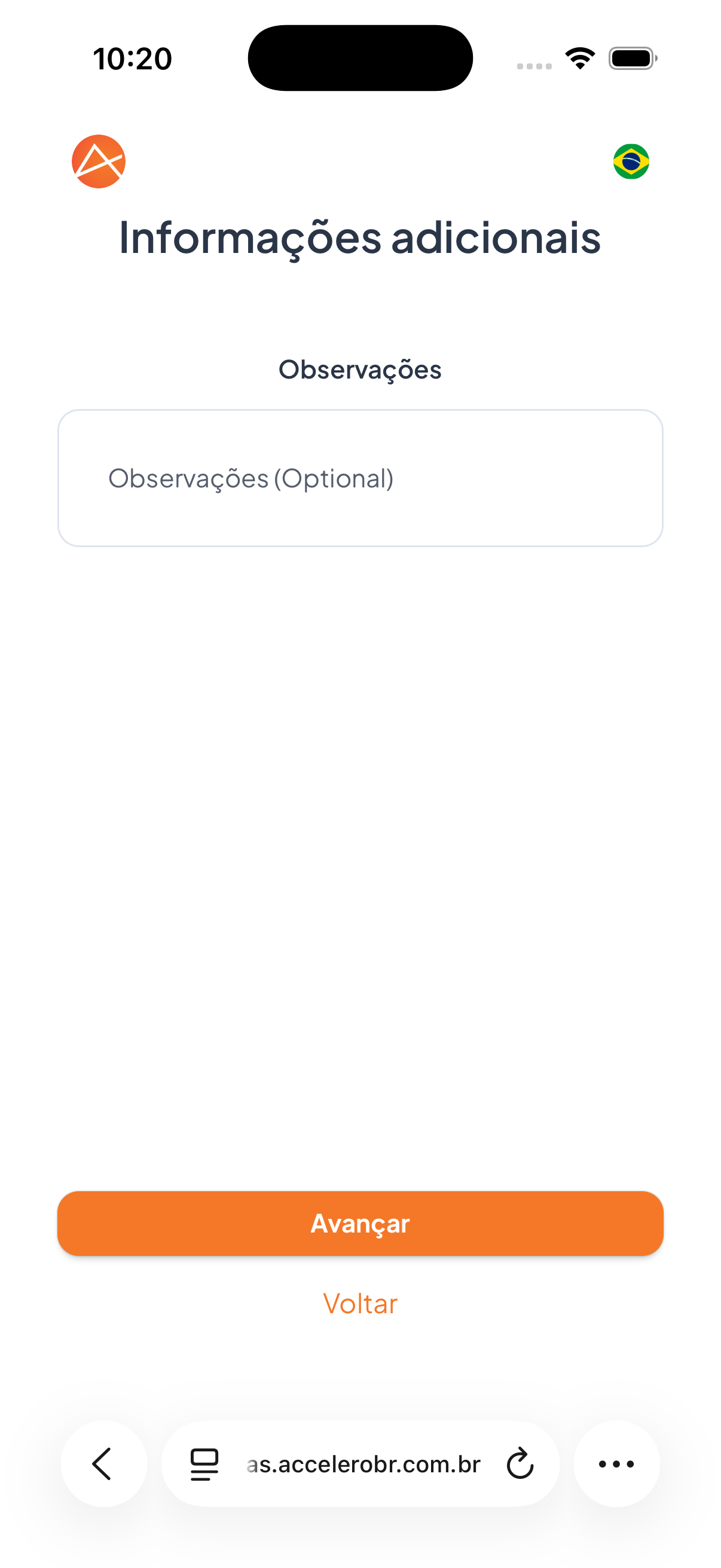
- Label "Notes".
- Text field with the placeholder "Notes (Optional)".
- Button Next and link Back.
Fields
- Notes — free text, optional, with additional details about the visit.
Step by step
- Read the Terms of Use / Privacy Policy.
- Tap Accept to agree (or Decline not to continue).
- On the Additional information screen, fill in Notes if you want (optional).
- Tap Next.
States
- Accept: allows the check-in flow to continue.
- Decline: does not allow the visit to proceed.
For you
Read the terms before accepting — they explain which data is collected and how it is used (LGPD). The Notes field is optional; use it only if you have extra information relevant to the visit.